Publish and Share Your Flipbook Online
Sharing PDF documents online can pose a number of problems. Large PDF documents can cause long download times and there is no way to see who visited your publication when uploading the original PDF document.
Share and embed flipbooks, responsive magazines and online brochures using just a PDF file, easy to view on all devices.
FlowPaper optimizes publications for web delivery and gives you quick sharing and embedding options.
How to share a PDF online
1) Select PDF to upload
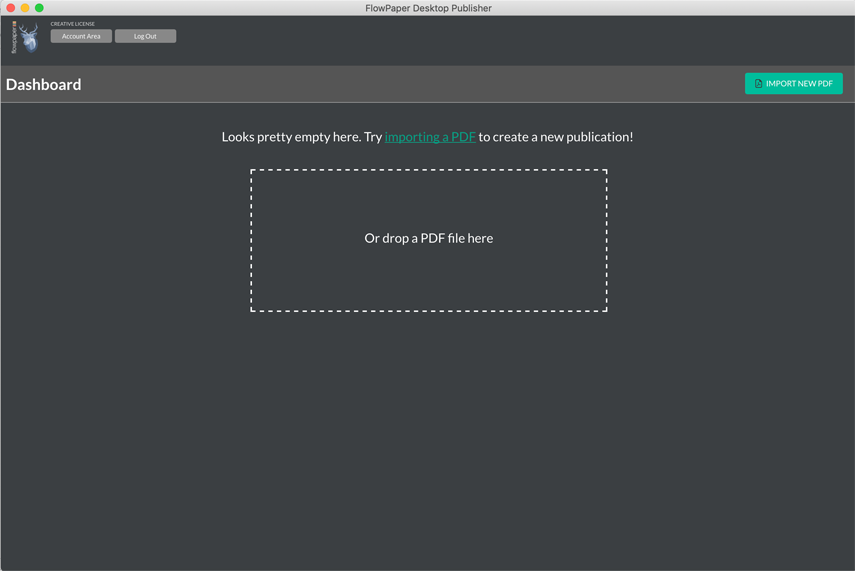
Start the FlowPaper App in your browser or install the FlowPaper software. Click Import new PDF in the top-right corner and select the file you want to publish.
2) Style and preview the flipbook
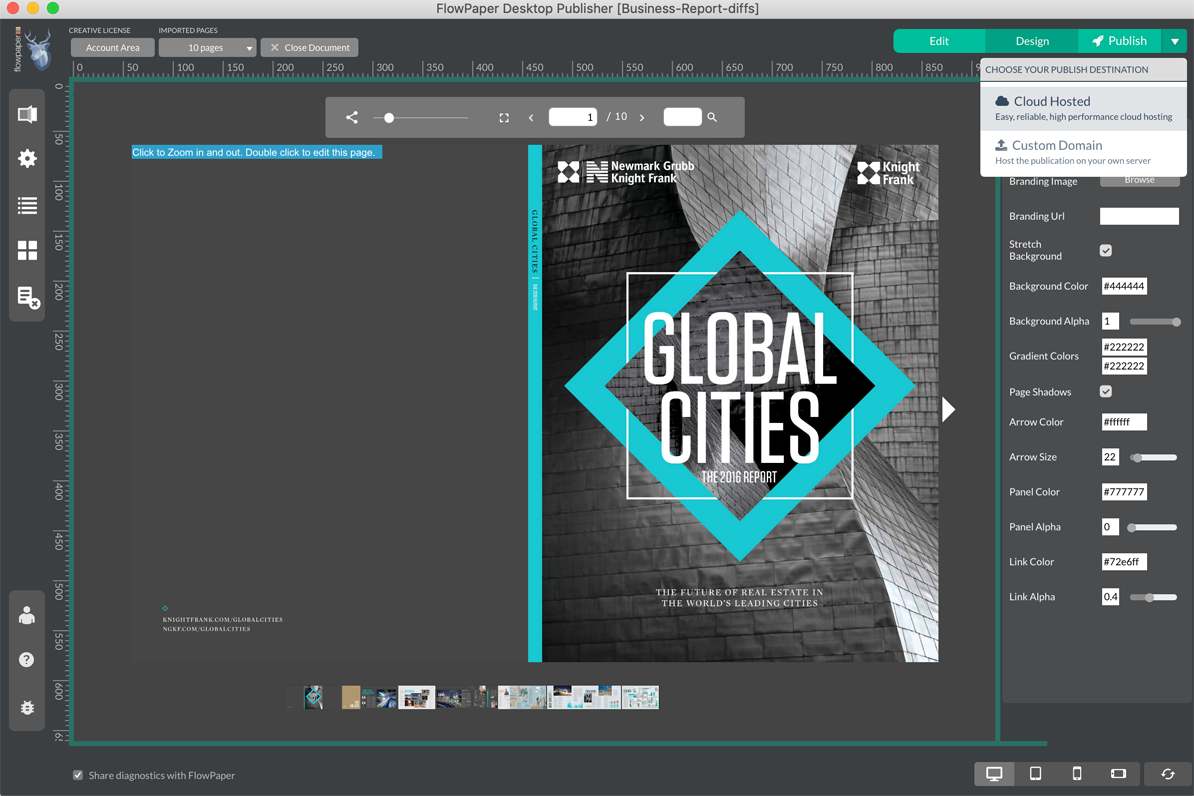
Choose a template such as Zine to display your publication as a flipbook. Review the preview and adjust appearance/settings as needed.
When ready, click Publish and select Cloud Hosted.
3) Upload the flipbook
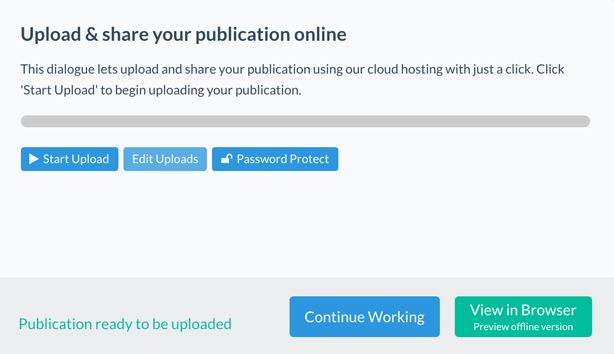
Click Start Upload to publish your flipbook online.
After upload, click View Online to test the publication before sending it to readers. You can also use the share icon in the online viewer to post directly to platforms like Facebook, X, and LinkedIn.
If needed, open the page you want as the starting page before sharing.
4) Embed the flipbook on a website (optional)
Use an iframe embed on your website and replace YOUR_UPLOADED_PUBLICATION with your publication URL:
<iframe
  style="border: 0"
  frameborder="0"
  height="400"
  width="500"
  src="http://YOUR_UPLOADED_PUBLICATION"
  allowfullscreen>
  Your browser does not support iframes.
</iframe>
Adjust width and height to fit your layout.
Analytics reminder
Enable FlowPaper analytics before publishing so you can track reader engagement.