How to Password-Protect Your Publication
Sometimes you may not want your publication to be publicly accessible. When you share a link, it can be forwarded to others, which means you lose control over who can view your content.
This is especially important for internal documents, client materials, drafts, or any content that should be accessible only to a limited audience.
With FlowPaper, you can protect your publication with a password and ensure that only authorized users can open it.
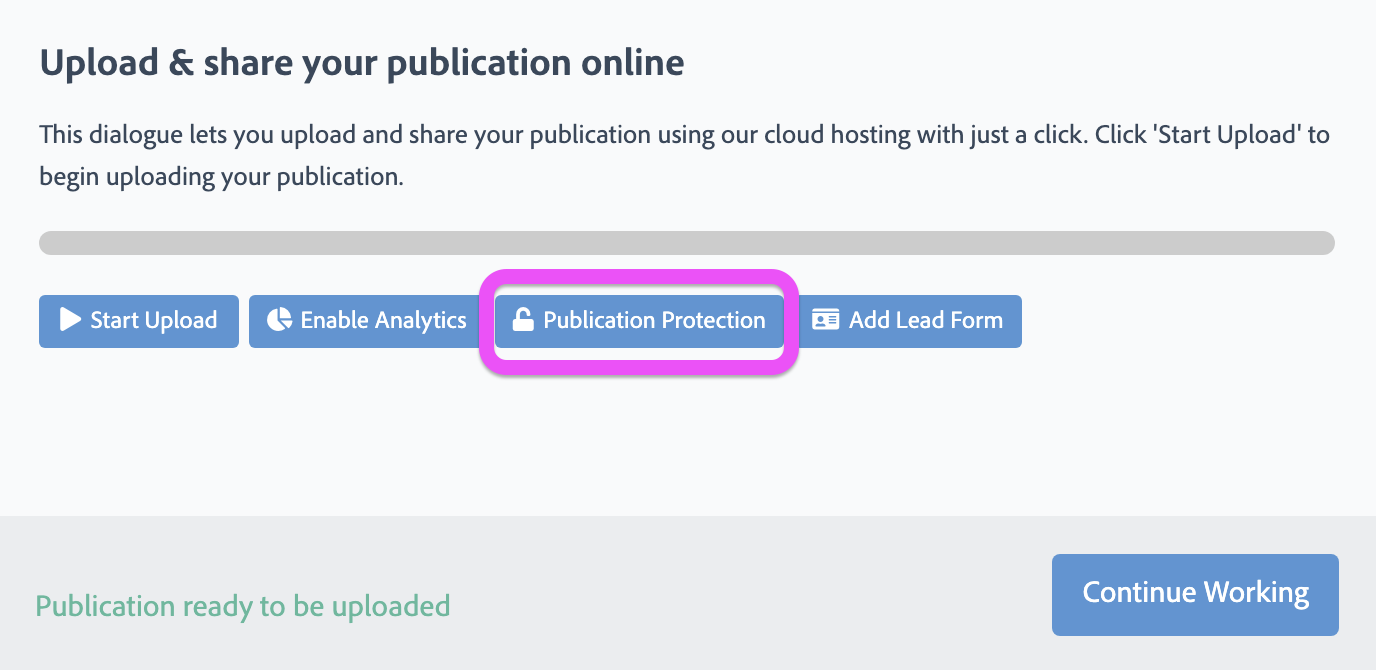
How to password protect your publication in FlowPaper
1) Click Publish in the top right corner
2) Select Cloud-hosted
3) In the window that appears, go to Publication Protection
4) Choose one of the following options:
-
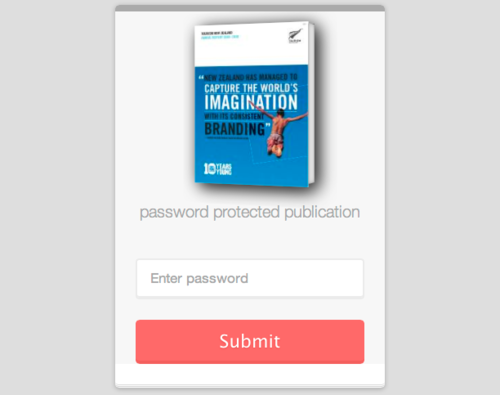
Password – only users with the password can access your publication
-
Protected Embed – restricts access to your publication so it can only be viewed when embedded on a specific website. Enter the URL of the website where the publication will be embedded
5) Click OK and Start Upload
Important note
Make sure to store your password securely. FlowPaper does not have access to your password and cannot recover it.
If you lose your password, you will need to upload the publication again and set a new one.
Related tutorials
Protect Your PDF from Copying and Downloading